
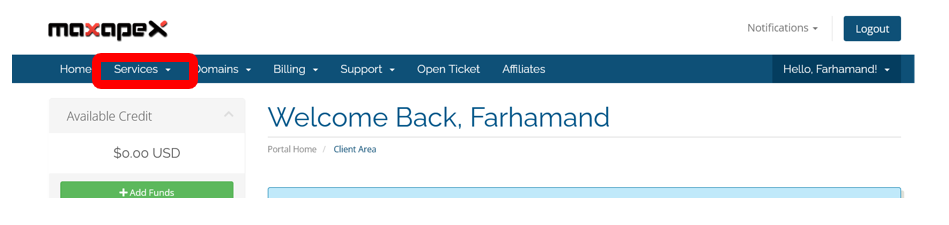
Once you logged in, click on services button from the menu
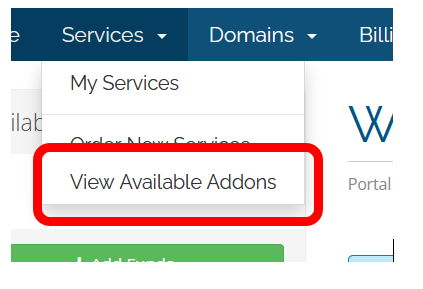
Click on “View Available Addons”
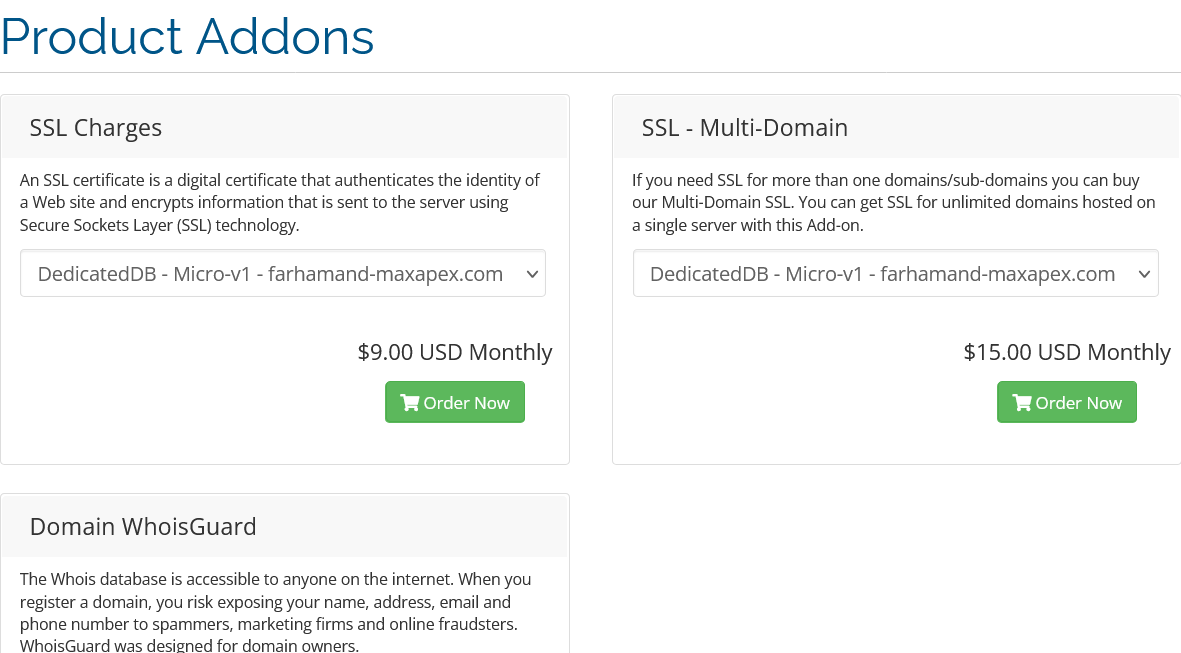
Once you click, list of addons(including SSL Certificates ) will be available to you.
Once you logged in, click on services button from the menu
Click on “View Available Addons”
Once you click, list of addons(including SSL Certificates ) will be available to you.
Login to WHMCS Admin Area Open your web browser and go to yourclients area at...
Step 1: Navigate to Domain Registration Page Start by visiting the MaxAPEX homepage. On the...
Step 1: Go to Oracle APEX Shared Hosting Page Navigate to the Oracle APEX Shared Hosting page...
